01
Create a project.
The projects database, its properties and its views are already set up.
Hours of tutorials, databases that don’t talk to each other, abandoned pages… The Second Brain gives you a complete workspace with its databases, relations and formulas already in place. Duplicate it, fill it in, get moving.
Get the Second Brain →Ready to useOne-time paymentInstant access
A beautiful dashboard… that you never open anymore.
Databases that don’t talk to each other, and a relation you never got working.
Hours of YouTube tutorials for a half-finished system.
You rebuild your workspace from scratch every three months.
Notion isn’t the problem. Building a complete system on your own is. The Second Brain is already built and tested: all that’s left is to use it.
No formula to debug at midnight. Everything works as soon as you copy it.
The projects database, its properties and its views are already set up.
Each task is linked to its project with a relation. You see it from both sides.
A formula turns completed tasks into a percentage. No code needed.
16 sections, one workspace.
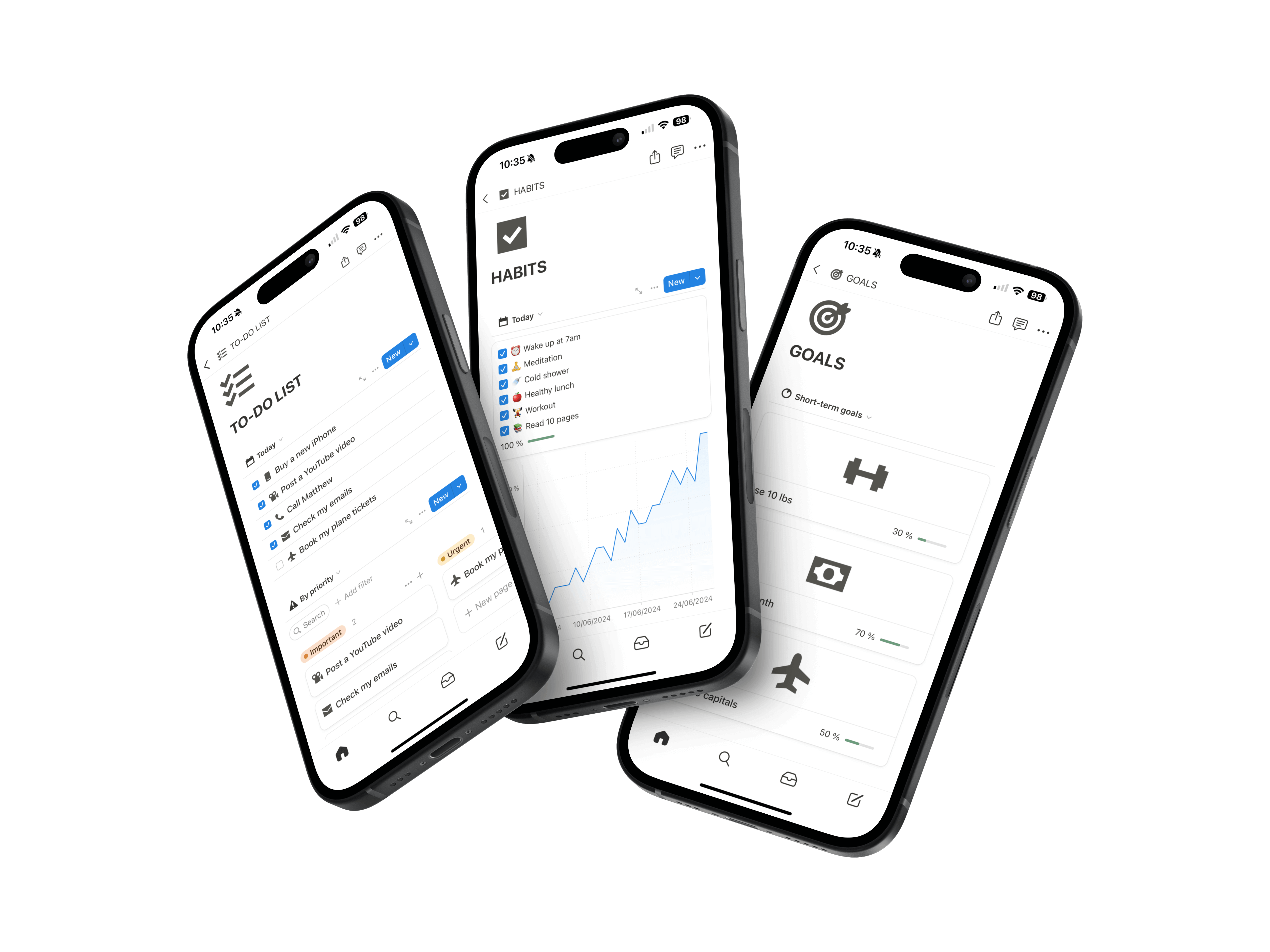
Tasks, projects, goals, notes, habits, finances, studies. Everything is built, and everything stays editable: pages, views, properties.

Running their work, their business and their personal life in Notion.
“I have been using the Second Brain for three months for my work and my personal life. It is so so practical, I have everything in the same app, I am super organized now and it changes everything!!”
Amélie DAROUECHI — Employee
“Thank you for this tool, it is incredible! It helps me both to structure my business with my goals and tasks, but also for my personal life with the habit tracker, financial tracking and note taking. I recommend.”
Xavier ERRIN — Entrepreneur
Your current workspace stays as it is: the template sits alongside it.
It’s added to your Notion workspace without touching your existing pages.
A sample project shows how the databases fit together.
Add your current projects. Your old pages can wait.
Frequently asked questions.
For the time you save. Databases, views, relations and formulas are already designed and tested. You go straight to using it.
For a specific need, often yes. The Second Brain is 16 work and personal sections in one workspace, with projects linked to their tasks and progress calculated for you.
Yes, all of it: pages, views, properties. If you change relations or formulas, keep in mind they’re what calculates progress.
The ones that need to be: projects with their tasks, courses with their subject. The other sections work on their own to stay simple.
Yes, the template is duplicated into your Notion account.
You keep the version you buy for life. New versions are offered separately.
No. You pay once and get lifetime access.
Your next Notion system is already built.
Duplicate it, add your current projects, and finally move from setup to action.
Get the Second Brain