01
Empty your head.
Write down each task the moment it comes up, from your phone or your computer.
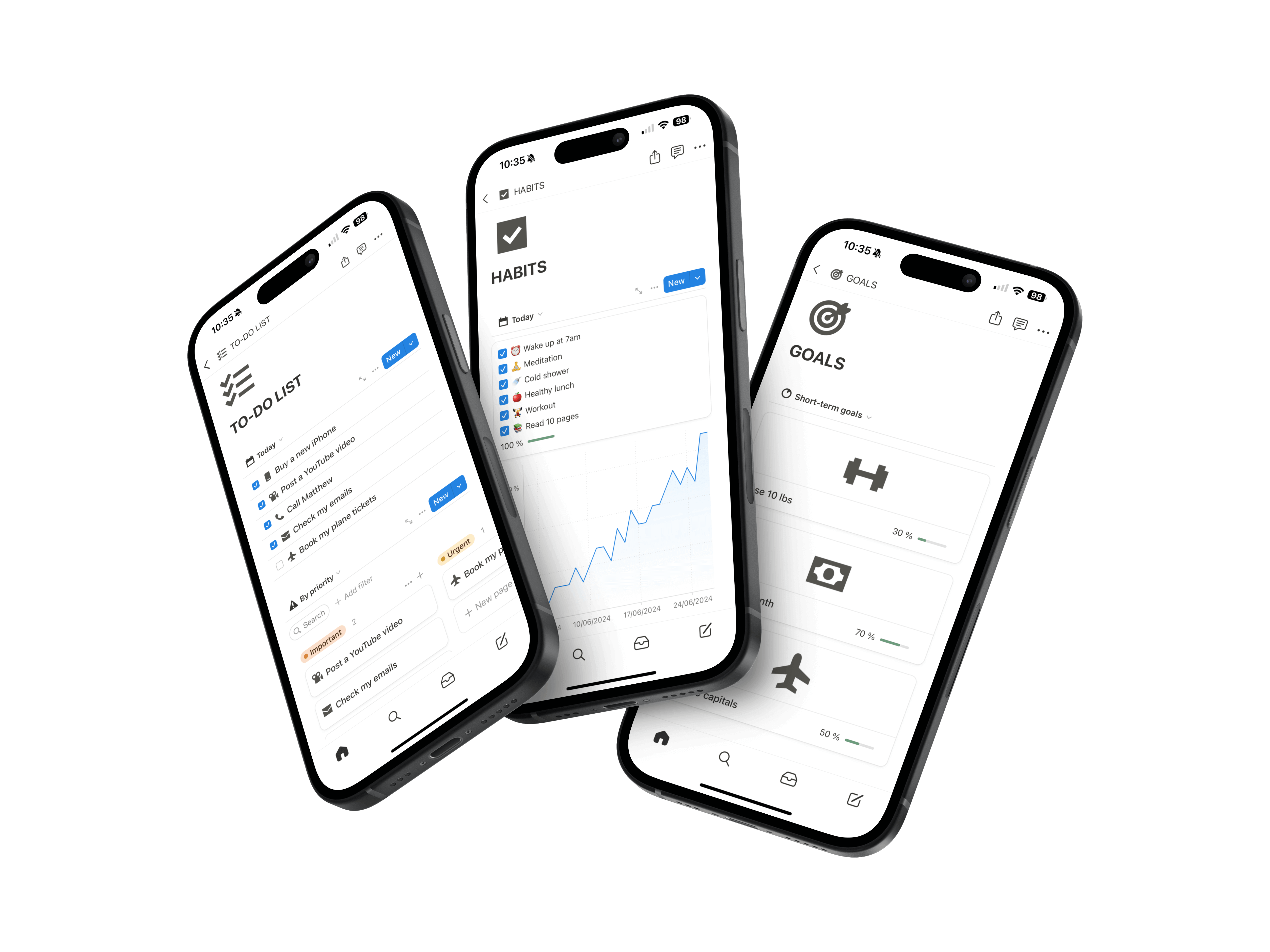
Sticky notes, phone notes, emails to yourself… The Second Brain brings your tasks, projects and notes into one Notion workspace, already built. Open it in the morning and you know what to do.
Get the Second Brain →Ready to useOne-time paymentInstant access
Your tasks live in phone notes, sticky notes and emails to yourself.
You go to bed wondering what you forgot.
You spend more time looking for information than using it.
You’ve already tried three apps, and dropped each one after a week.
The problem isn’t you. It’s that everything is scattered. Once it’s all in one place, your head doesn’t have to hold it all.
No more rereading everything to find what’s urgent. Your tasks are sorted by date and priority.
Write down each task the moment it comes up, from your phone or your computer.
A date, a priority. Everything else waits without being forgotten.
Each project groups its tasks. You see what’s left without searching.
One app instead of five.
Tasks, projects, notes, habits, finances. Your work and personal life, in 16 sections in one place.

What people who use it for work and personal life say.
“I have been using the Second Brain for three months for my work and my personal life. It is so so practical, I have everything in the same app, I am super organized now and it changes everything!!”
Amélie DAROUECHI — Employee
“Thank you for this tool, it is incredible! It helps me both to structure my business with my goals and tasks, but also for my personal life with the habit tracker, financial tracking and note taking. I recommend.”
Xavier ERRIN — Entrepreneur
The template is already built. Nothing to set up.
You get the link by email and click “Duplicate”.
The demo shows where everything goes: tasks, notes, projects.
Start with what you need to do today. The rest will follow.
Frequently asked questions.
Yes. The template is ready, so there’s nothing to build. The demo, tutorials and included course walk you through it step by step.
Because you stop juggling. Tasks, projects and notes live in one place, on your phone and your computer. And since it’s Notion, you can adapt it to the way you work.
No. Start with your task list. Add projects and notes when you need them.
Yes. Keep your calendar for appointments, and use the Second Brain for everything you need to do.
Nothing is lost. Your tasks and notes are waiting for you. Review them and get going again.
No. You pay once and get lifetime access.
You keep the version you buy for life. New versions are offered separately.
Tonight, your head feels lighter.
Copy the template, write down everything on your mind, and start tomorrow knowing what to do.
Get the Second Brain