01
One page per subject.
Each subject groups its chapters, your class notes and your Classroom or Google Docs links.
Courses on Classroom, notes in a notebook, test dates somewhere on your phone? The Second Brain organizes every subject, chapter and assignment in one Notion workspace. You always know what to prepare, and by when.
Get the Second Brain →Ready to useOne-time paymentInstant access
Your courses are scattered between Classroom, your Drive and a notebook.
You find out about a test the night before, from the class group chat.
Before every exam, you lose an hour finding the right chapter.
You know you should get organized, but you don’t know where to start.
It’s not that you work badly. Your courses and dates are just never in the same place. Organize them once, and you always know what to review, and by when.
No more Sunday-night surprises.
Each subject groups its chapters, your class notes and your Classroom or Google Docs links.
Add every assignment and test with its date. See your week at a glance.
Update the status as you make progress. You know what’s done and what’s left.
Your studies and personal life, in one place.
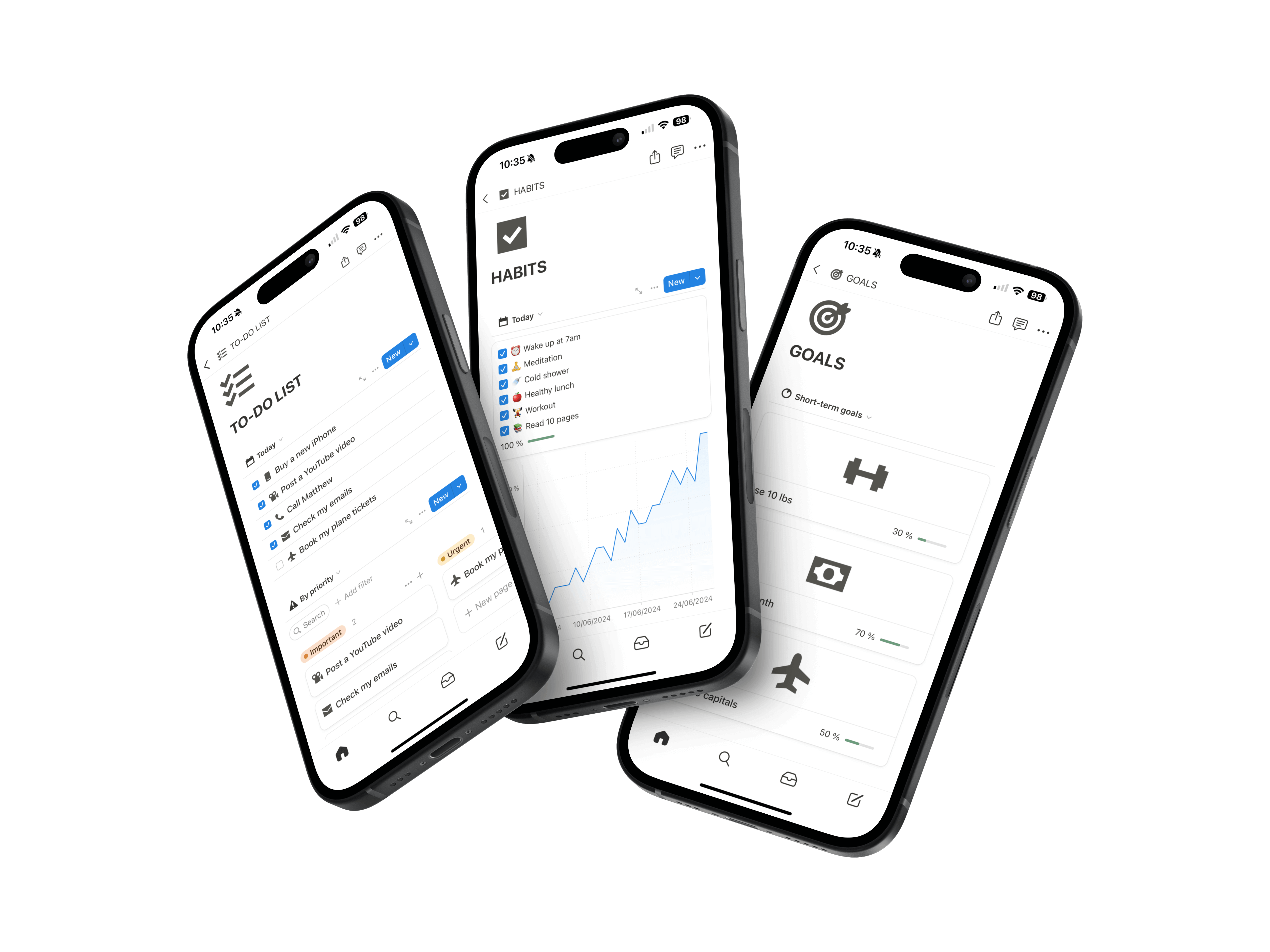
Beyond your courses: tasks, projects, habits, budget. 16 sections to run your whole year, not just your exams.

For their classes, their part-time job or their personal life.
“I have been using the Second Brain for three months for my work and my personal life. It is so so practical, I have everything in the same app, I am super organized now and it changes everything!!”
Amélie DAROUECHI — Employee
“Thank you for this tool, it is incredible! It helps me both to structure my business with my goals and tasks, but also for my personal life with the habit tracker, financial tracking and note taking. I recommend.”
Xavier ERRIN — Entrepreneur
No need to organize everything at once. Add the rest as classes go.
One click on “Duplicate” and it’s in your Notion.
Create its chapters and paste your notes or class links.
Its date and what needs doing. It shows up in your calendar.
Frequently asked questions.
Yes. Each subject holds its chapters, and each chapter has its own page for your notes, files and links.
No need. The template is already built, and the demo, tutorials and included course show you how to use it.
No, you add them yourself in a few seconds. Your Classroom and Google Docs links stay one click away from each chapter.
For writing down dates, yes. But your planner doesn’t organize your courses. Here, the assignment and the chapter to review are in the same place.
No. You also get a task list, projects, a habit tracker and an expense tracker. Handy for your part-time job or your budget.
No, studying is still up to you. But you know what to review and when, instead of finding out the night before.
No subscription: you pay once and keep it for all your studies. The price shown is already discounted, so there’s no extra student discount.
Your next test won’t catch you off guard.
Copy the template, add your first subject and your next assignment. Your semester starts falling into place.
Organize my semester